Here's the video of the demo:
YouTube video!
This is a project I did for fun as part of the process of learning Rust. I find that learning new programming languages isn't too hard once you know a few, but I still wanted to follow my general approach to learning things nowadays. Generally, I like to start trying things / making projects, and adjusting my approach and learning when needed to progress. Reading documentation or entire chapters at once can still be good, but I find that it can make the prospect of starting or planning out a project pretty hard. A much better approach, in my experience, is to start with a project. Your first result might not be great, but it'll give you a much better idea of how to do the next one, and take less time in my experience than doing all the reading and struggling through one attempt at a project.
This particular project is one that was actually an assignment in graphics class, but I added a few more features and also wrote it in a compute shader to get some experience with them and general Rust and WebGPU concepts. The idea is to produce a cloth with realistic-looking physics - for now, I've mostly stuck to pretty simple simulation techniques, so there's no self intersection and such, but there is intersection with objects like spheres, which is shown in the demo.
For now, I have screenshots and videos of the demo - while the software is built in WebGPU and can be displayed in a browser, I haven't implemented it to stand on its own in this website yet - that will come soon and I'll post a new post that directly links to the simulation.
 |
 |
|---|---|
 |
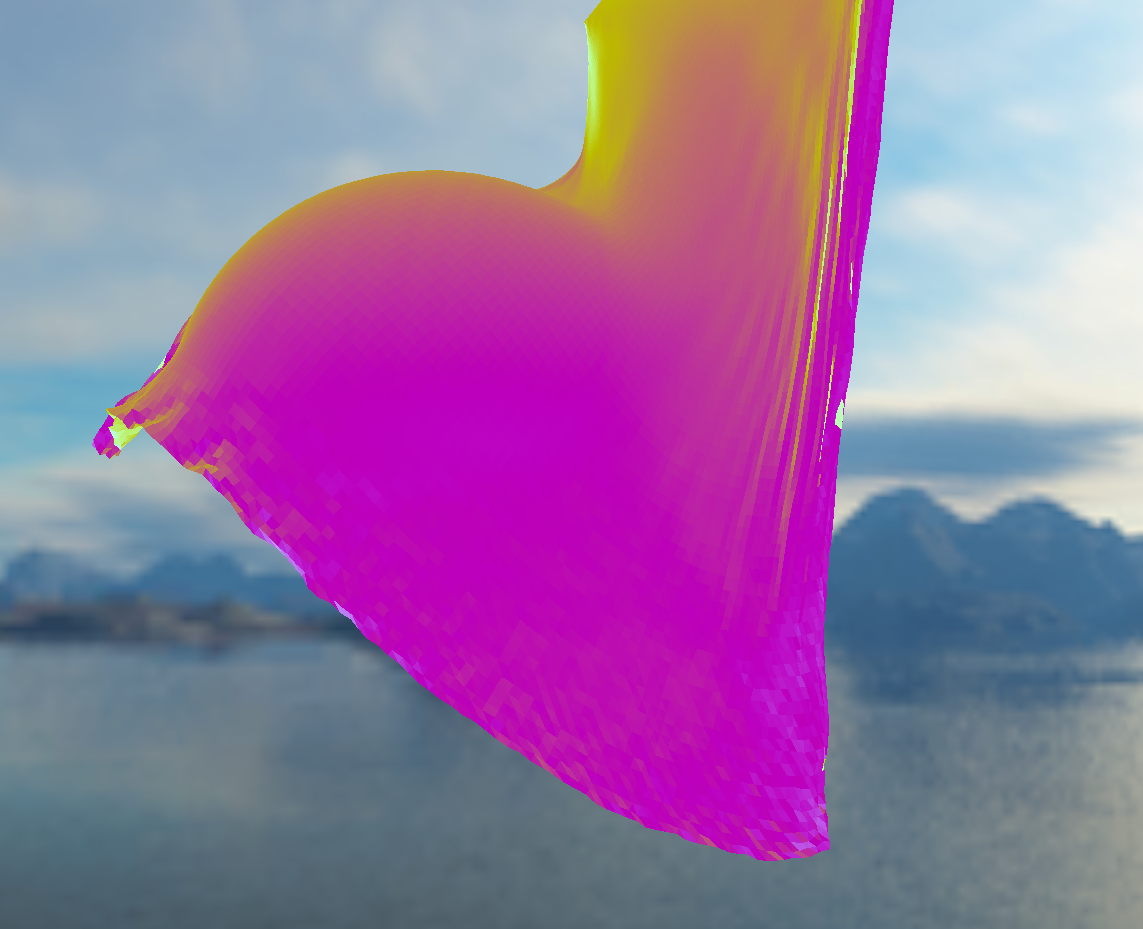 |
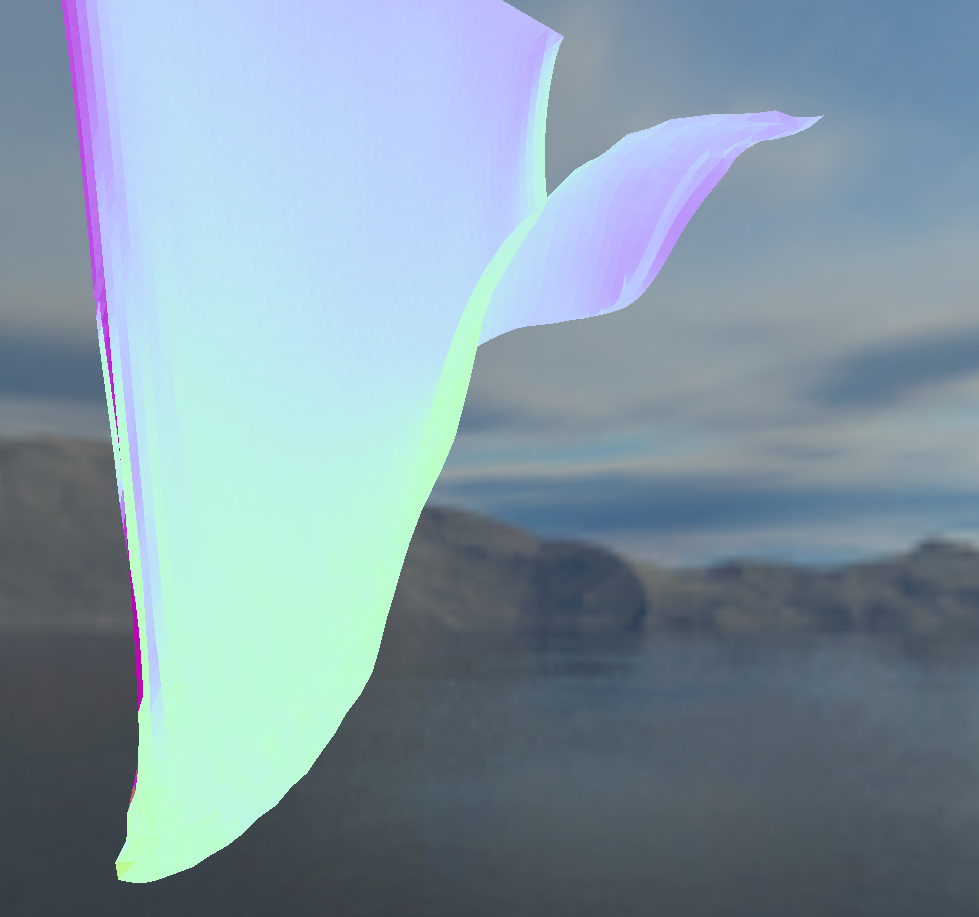
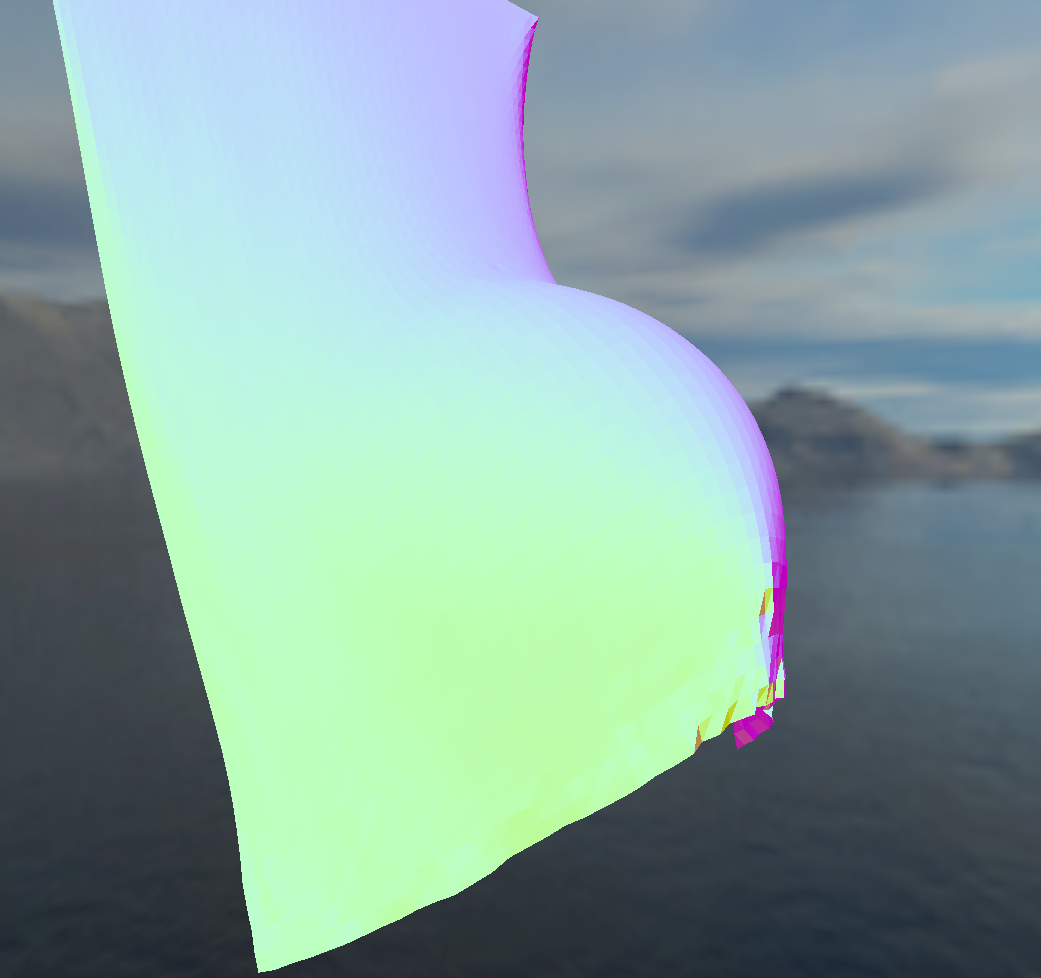
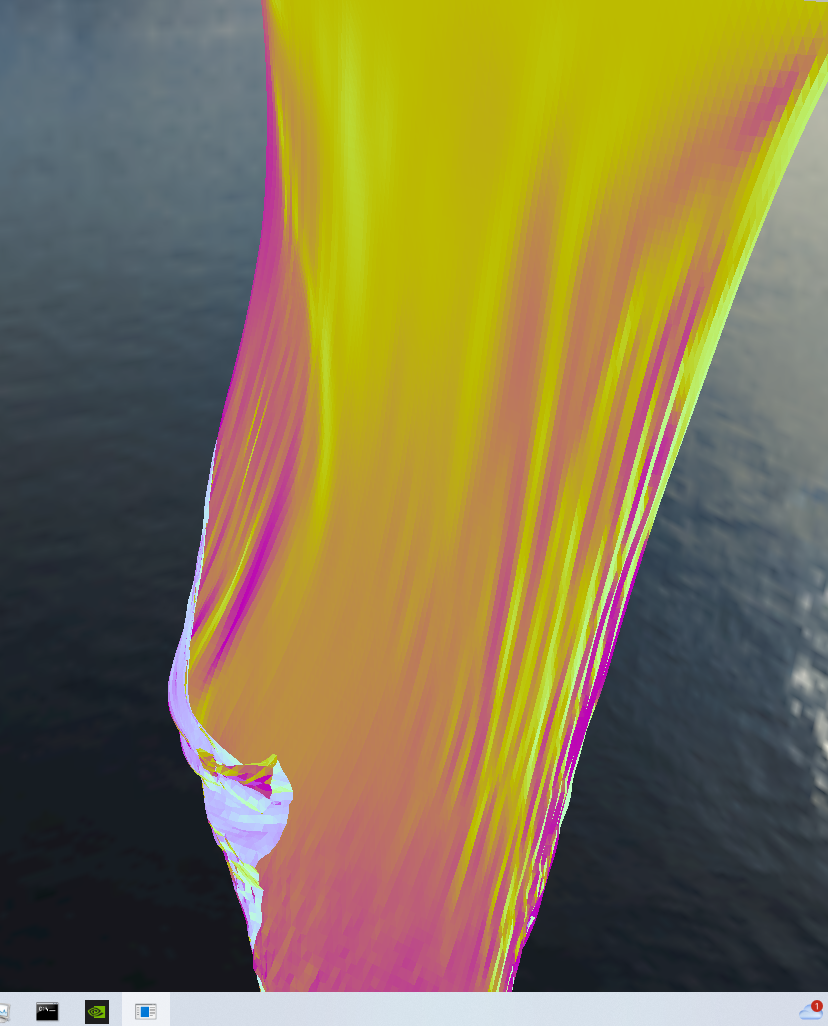
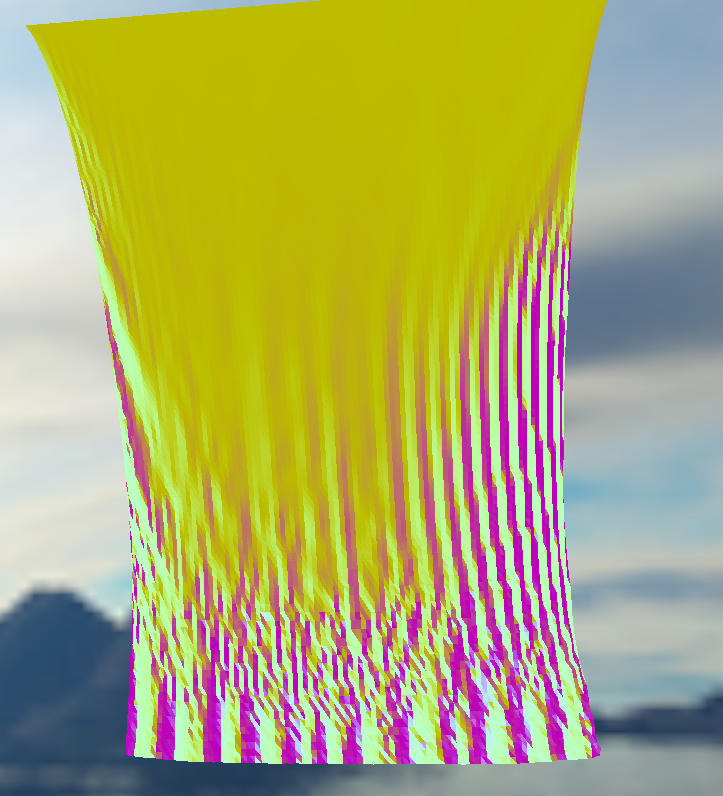
Screenshots with varying "resolutions" to the cloth. Top row is 50x50, bottom is 100x100. Some of the physics parameters are automatically adjusted.
Cloth simulation is actually not incredibly complicated, even though the result looks pretty good. Especially with large counts of vertices for the cloth - this particular implementation with WebGPU allows buffer sizes of up to 800x800 vertices, which makes the cloth incredibly smooth (and actually runs decently well on my GPU), but it will result in an unrealistic cloth. This type of cloth simulation imagines a cloth as a grid of nodes connected together by springs - in a way, matching the fibers of an actual piece of cloth. It's easy and fast to simulate the forces that adjacent nodes apply on one another, but in a simulation with discrete timesteps this will result in visible propagation of forces across the cloth, especially with larger counts of nodes. This isn't a desired effect, but the solution of connecting every node to far away nodes to more quickly propagate force is expensive.
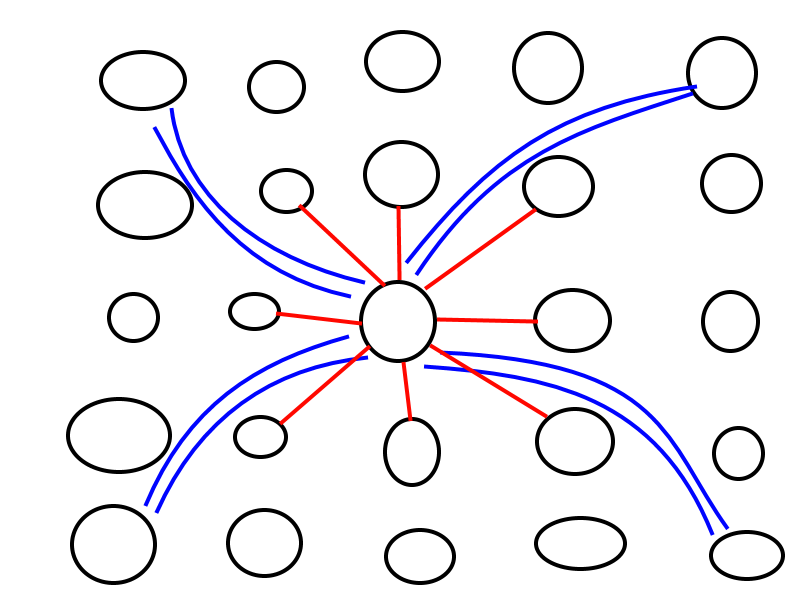
Essentially, each vertex has a force applied to it in each frame - the direction and strength of this force is determined by springs that connect to surrounding vertices. For examples, one configuration of springs could look like this - the center vertex is connected to all adjected vertices, plus a couple corner vertices that are separated by 2.
 |
|---|
One possible spring configuration.
Other things can affect the force too - wind or other physics objects, like a sphere (invisible in this demo). But once the force is computed, all within the compute shader, it then needs to be converted into velocity, and then position. We do this with RK4 integration, which has to be done twice. The sequence of equations is also done within the compute shader - which then outputs the new positions and velocities of each of the vertices.
One step that I skipped here was in the position calculation - while we do use RK4, we need some parameters that limit how far, or even how close, a vertex can get from adjacent vertices. We basically need to clamp values to not get too far away. The method to do this isn't trivial, since there can be vertices in every direction. In my implementation, I simply loop through adjacent vertices, and if one vertex is too far away, we clamp its position along the line between those two vertices.
The result is robust - you won't see any explosion beyond this max/min distance enforced by the clamp. If you choose good parameters, you won't see any artifacts at all from the physics. All that's left from an implementation point of view is choosing parameters, and connecting the vertex output to mesh outputs (this actually wasn't trivial in wgpu, since mesh buffers were different than the compute buffers - extra junk bytes needed to be added to the vertices for it to fit into the vertex mesh buffers, and I had to use shader debugging tools to figure this out).
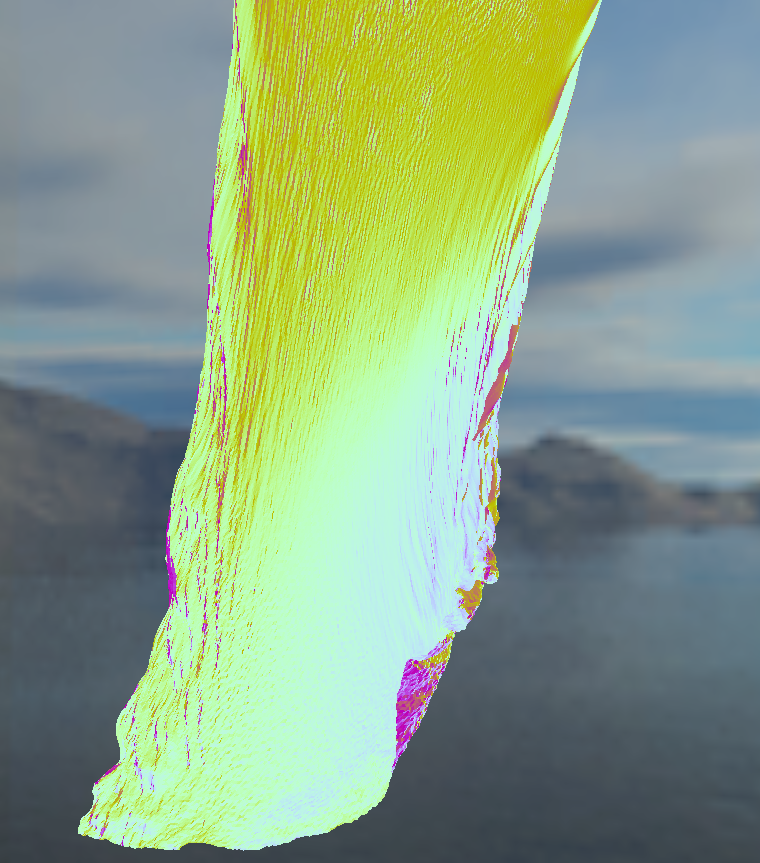
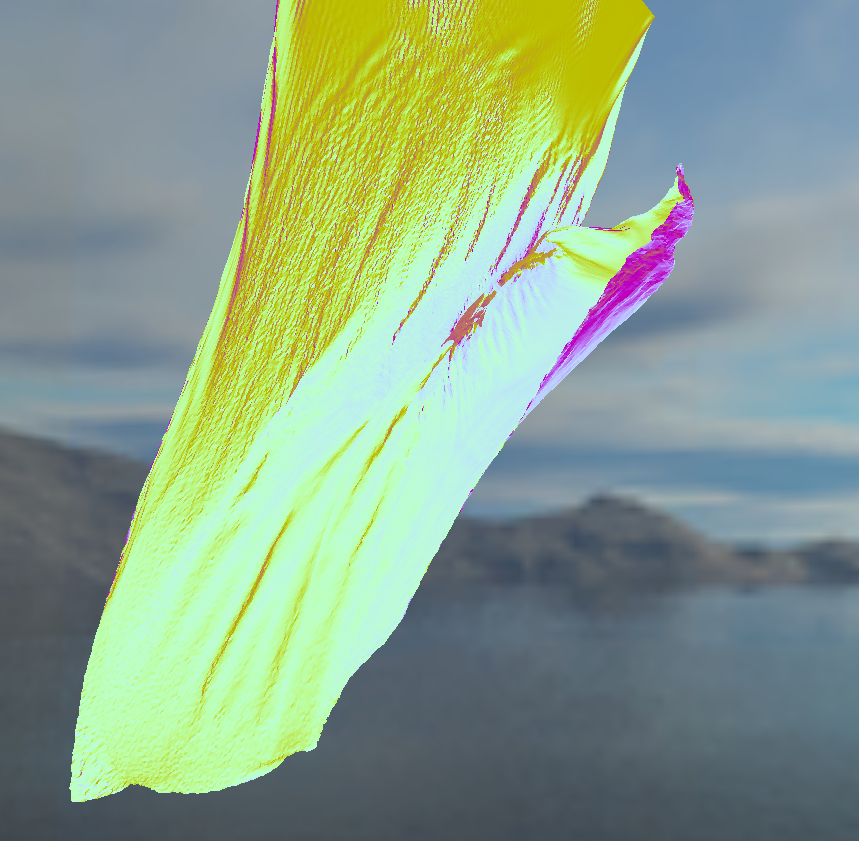
Some more screenshots for good measure:
 |
 |
|---|
 |
|---|
100x100 then two 300x300s.